
Eye-friendly themes
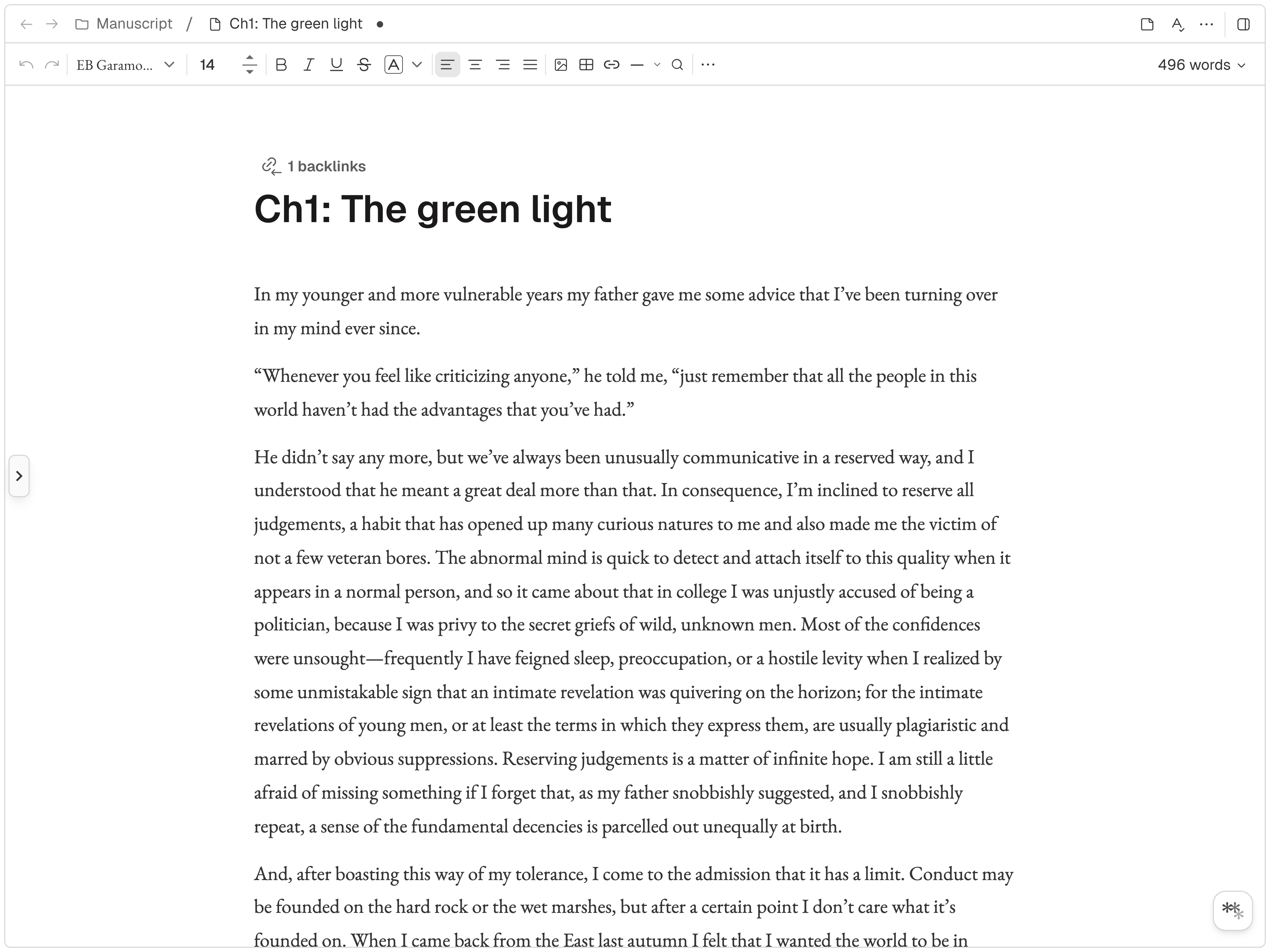
Dark, light, and twelve more — tuned for long sessions on the eyes.

Total characters written on Novela
9,202,818,659characters
* * *
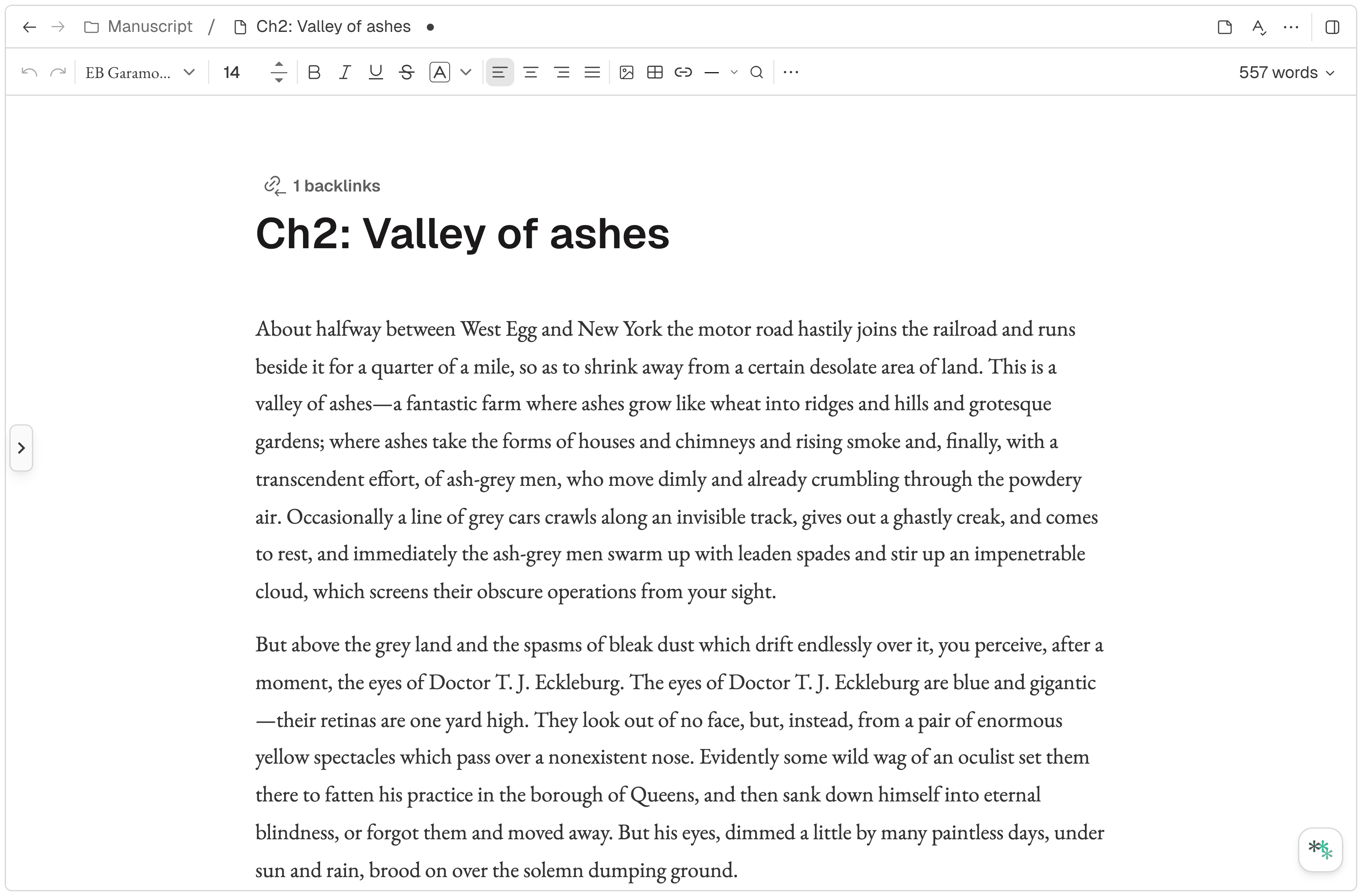
If you write, you already know how to use it. No tutorial, no manual — just open and start.
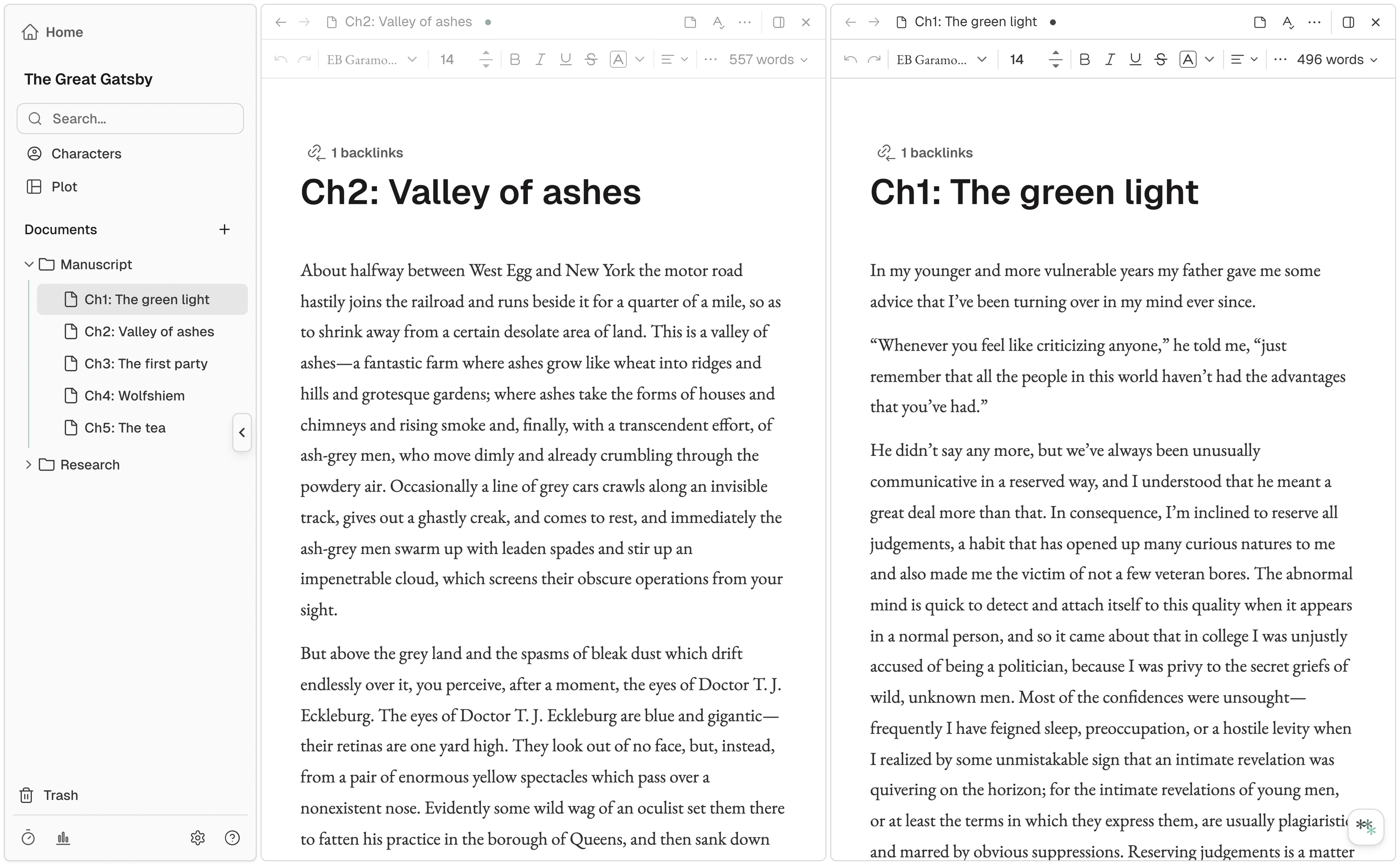
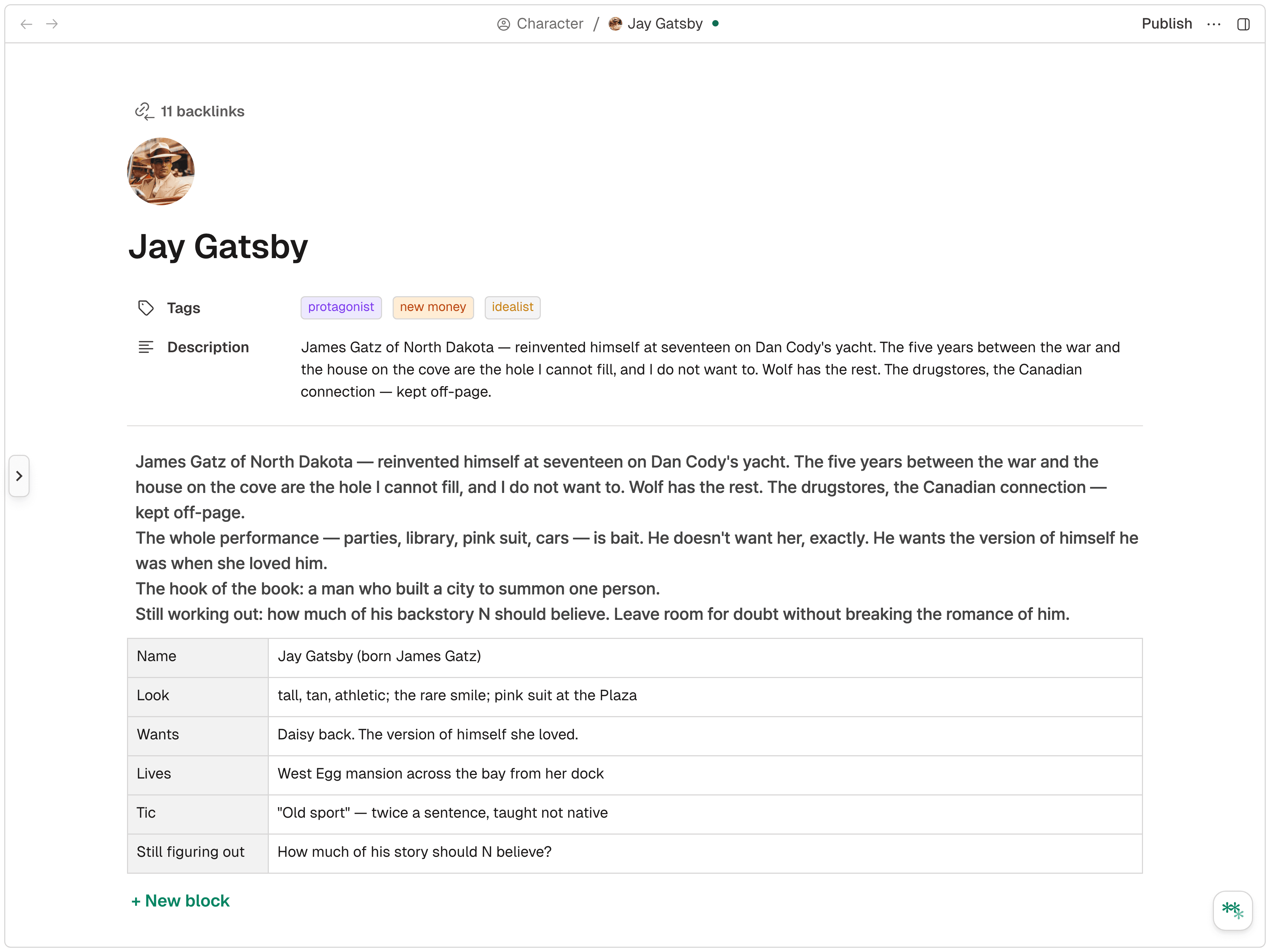
Write and reference in the same view. No tab switching, no lost thought.
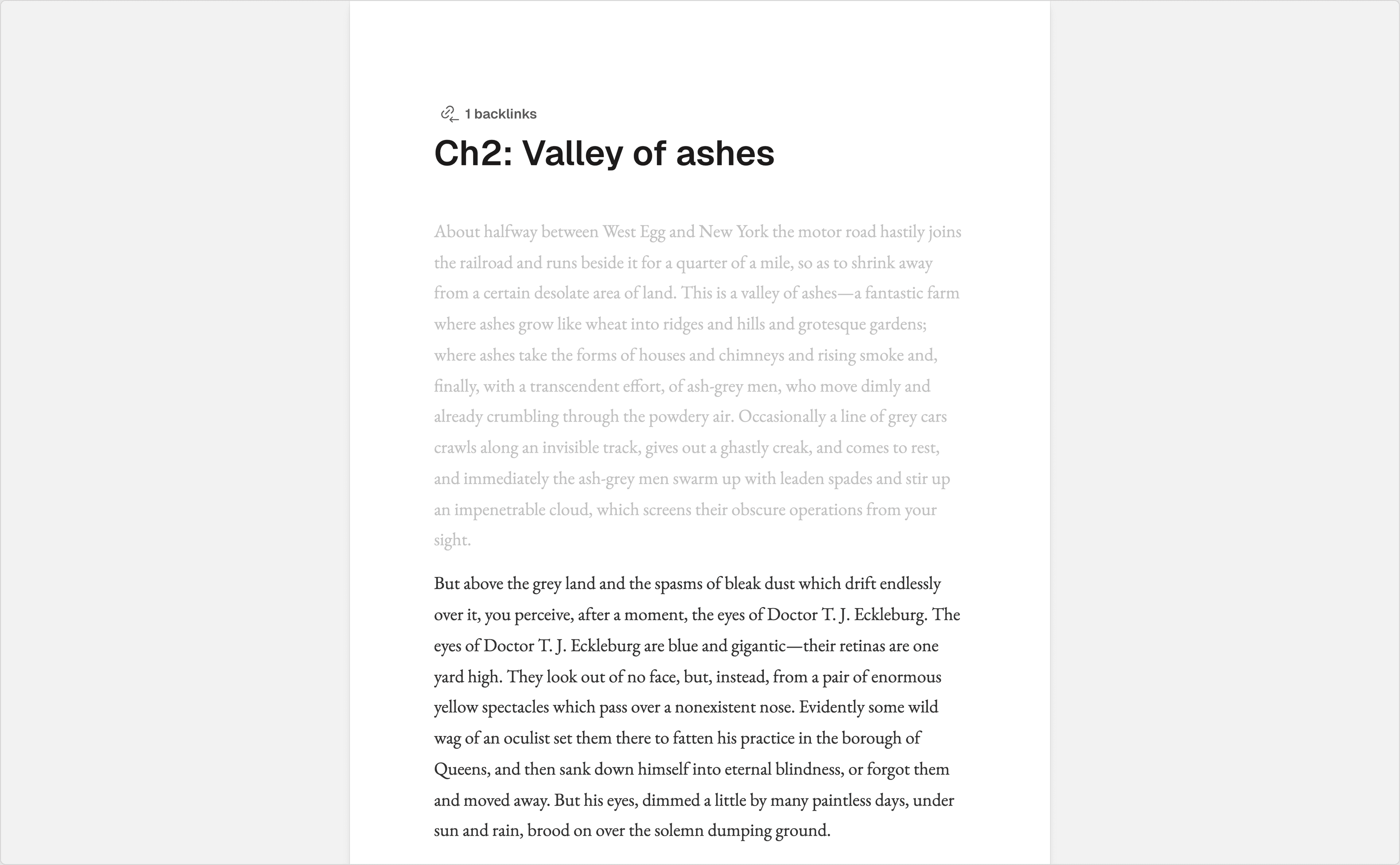
Just you and the page. Switch it on and disappear.
* * *
* * *
In my younger and more sensitive years my father gave me some advice that I’ve been turning over in my mind ever since.

Dark, light, and twelve more — tuned for long sessions on the eyes.
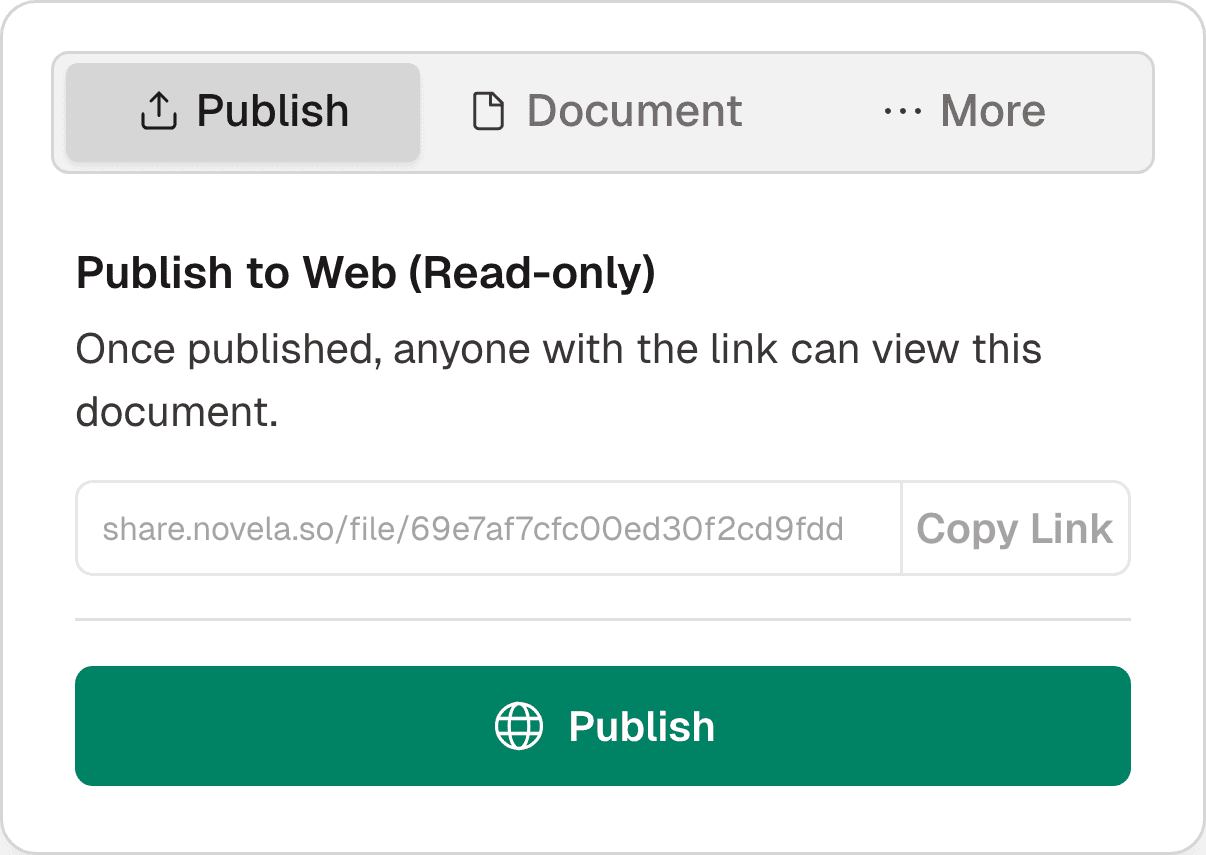
Share a read-only draft with a single link.
Daily, weekly, monthly word counts — all at a glance.
* * *
“Use Novela. Whether you write fiction or just need a solid writing tool, it works. The cloud sync across devices is seamless — I haven’t found anything else that does it this well.
“The interface is really clean. I could focus entirely on writing without any distractions. Dark mode is a lifesaver for late-night sessions.
“It’s clearly built for fiction writers. You can tell a lot of care went into the details — spell check, word count that lets you include or exclude spaces and even punctuation. It exports to EPUB, and the character profile tool is surprisingly solid.
“Spell check alone cut my editing time in half. The mobile preview lets me see how my draft reads on a phone screen while I’m still writing.
“Web-based, works on desktop and mobile, autosaves everything. Good font options, easy link sharing, and the spell check just works.
“Being able to keep notes open next to my draft and capture ideas mid-flow is huge. The text replacement shortcuts for special characters save more time than I expected.
* * *
Yes — you can use the core features for free. Try it first, and upgrade to a paid plan anytime if you like it.
No. Your drafts are never used to train any model. The AI reads your story to help you write it — that context stays in your account and is never shared or used for training.
Yes. Import from Word, Scrivener, Google Docs, plain text, or Markdown and pick up right where you left off.
Both. Native desktop apps for Mac and Windows, and mobile apps on iOS and Android — alongside the web. Everything stays in sync, so you can start a scene on desktop and keep going on your phone.
You do. Your manuscripts, notes, and characters are yours — always. You can export everything at any time in standard formats, and deleting your account removes it from our servers.
Web-based, works on desktop and mobile, autosaves everything. Good font options, easy link sharing, and the spell check just works.
